
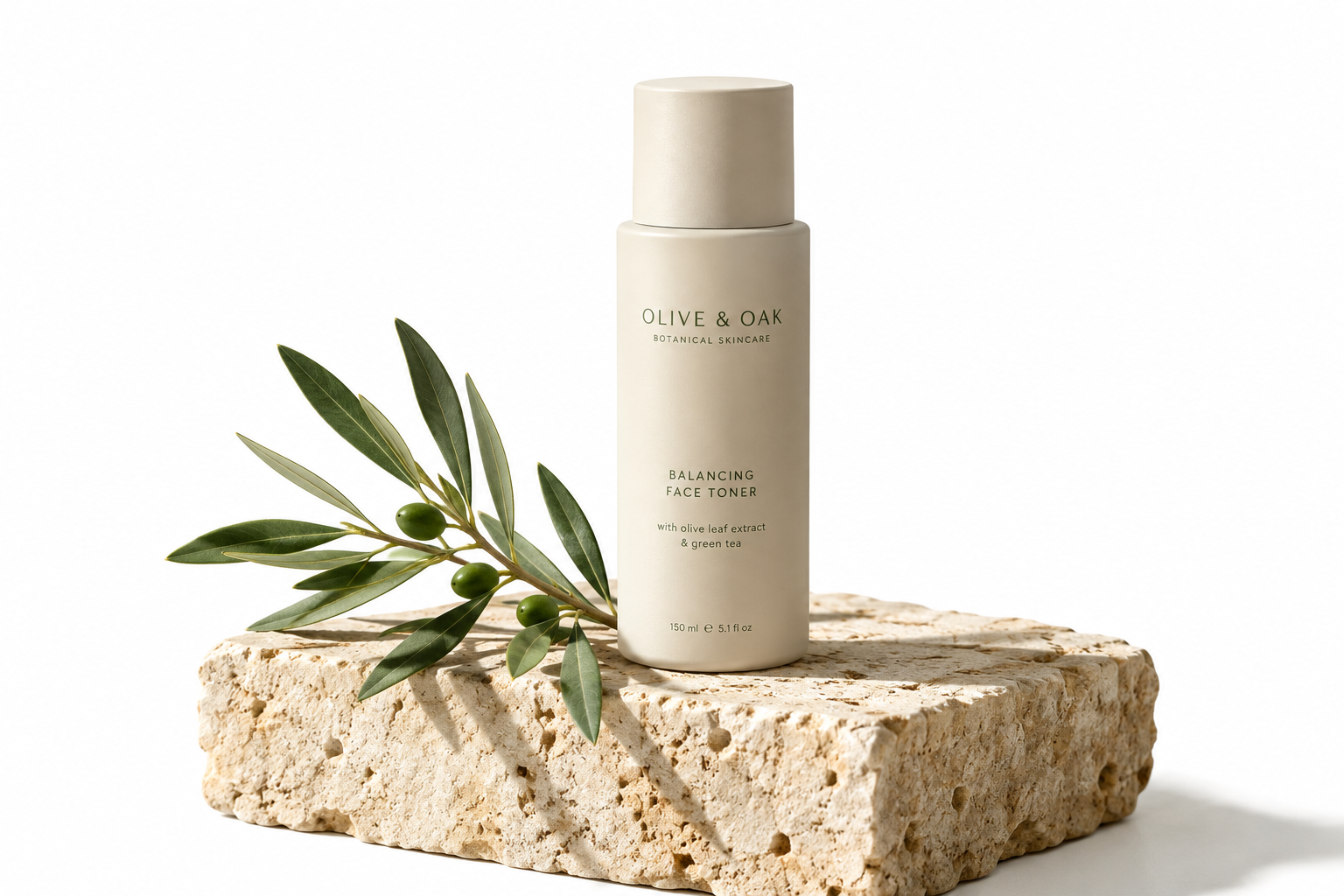
 Commercial product render Matte ceramic skincare bottle on travertine stone, clean morning sunlight, crisp cast shadow, neutral beige backdrop, 8k commercial photography.
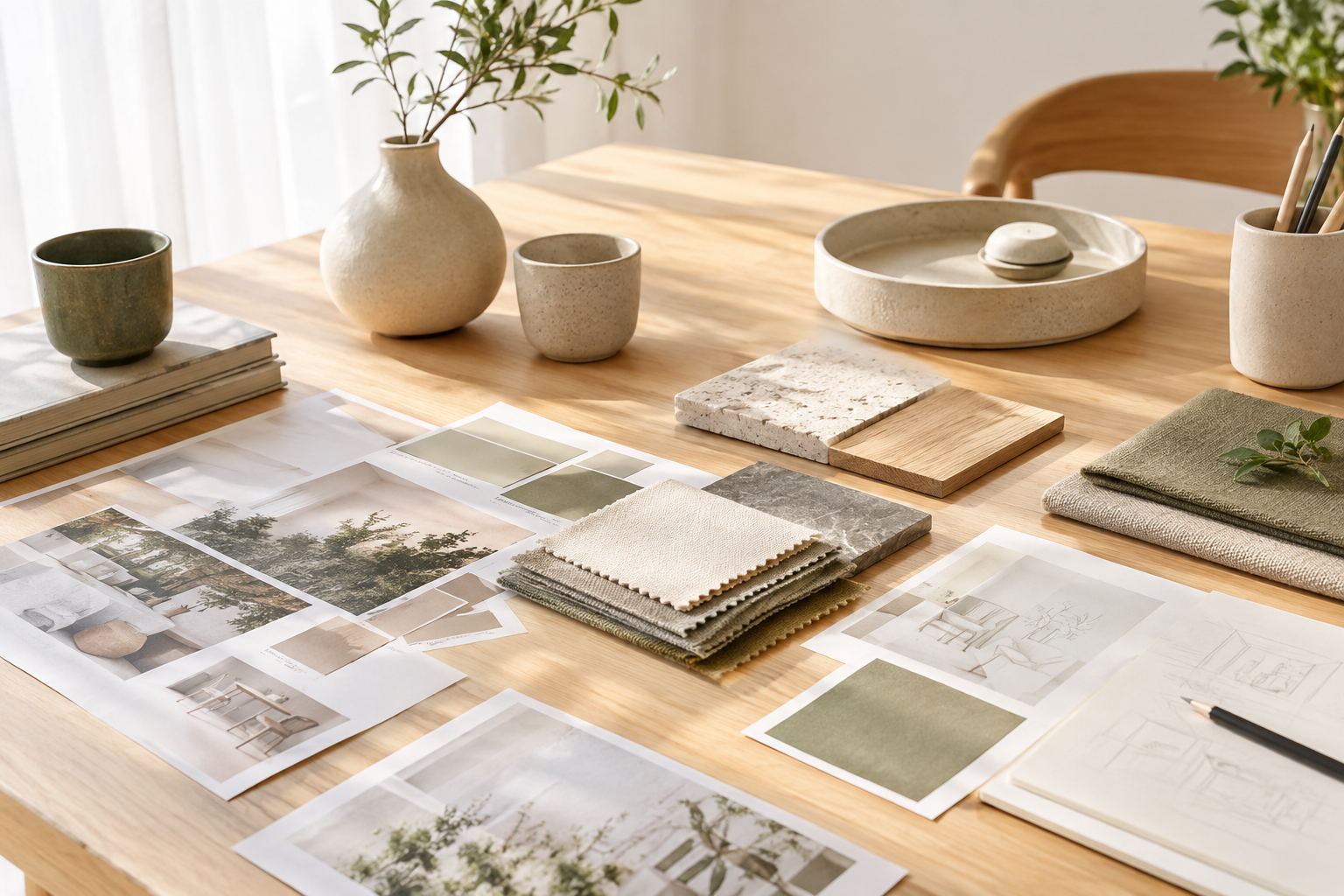
Hivo: AI Image Maker & AI Video Maker
Turn text prompts and reference photos into production-ready visuals. Use Hivo alongside our AI Video Maker tools to build consistent marketing assets in minutes.
示例
What the Hivo AI Image Maker Delivers
Hivo turns natural language prompts and reference photos into commercial-grade graphics in seconds. Teams use it to output e-commerce staging, portrait variations, and graphic assets without manual photo shoots.
Visual production
“Specify framing, materials, and lighting to generate clear, high-resolution stills calibrated for web storefronts and digital campaigns.”
Prompt to finished graphic
How to Produce Visuals With Hivo
Generate on-brand assets in three simple steps. Review your format, framing, and credit cost before every run.
-
01
Define prompt and composition
State your subject directly, then add lighting, surface textures, and color preferences. Attach an optional reference image to maintain subject consistency.
-
02
Select format and dimensions
Pick the right aspect ratio for social feeds, banner placements, or product listings, then choose the number of render variations.
-
03
Export or send to video
Download print- and web-ready PNG files immediately, or pipe your selected still directly into the AI Video Maker to create motion assets.
Visuals Created with the Hivo AI Image Maker
Explore commercial renders produced with HIVO AI tools. Copy any prompt directly into your workflow to generate product shots, portraits, posters, or scene foundations for the AI Video Maker pipeline.
Commercial product render Matte ceramic skincare bottle on travertine stone, clean morning sunlight, crisp cast shadow, neutral beige backdrop, 8k commercial photography.
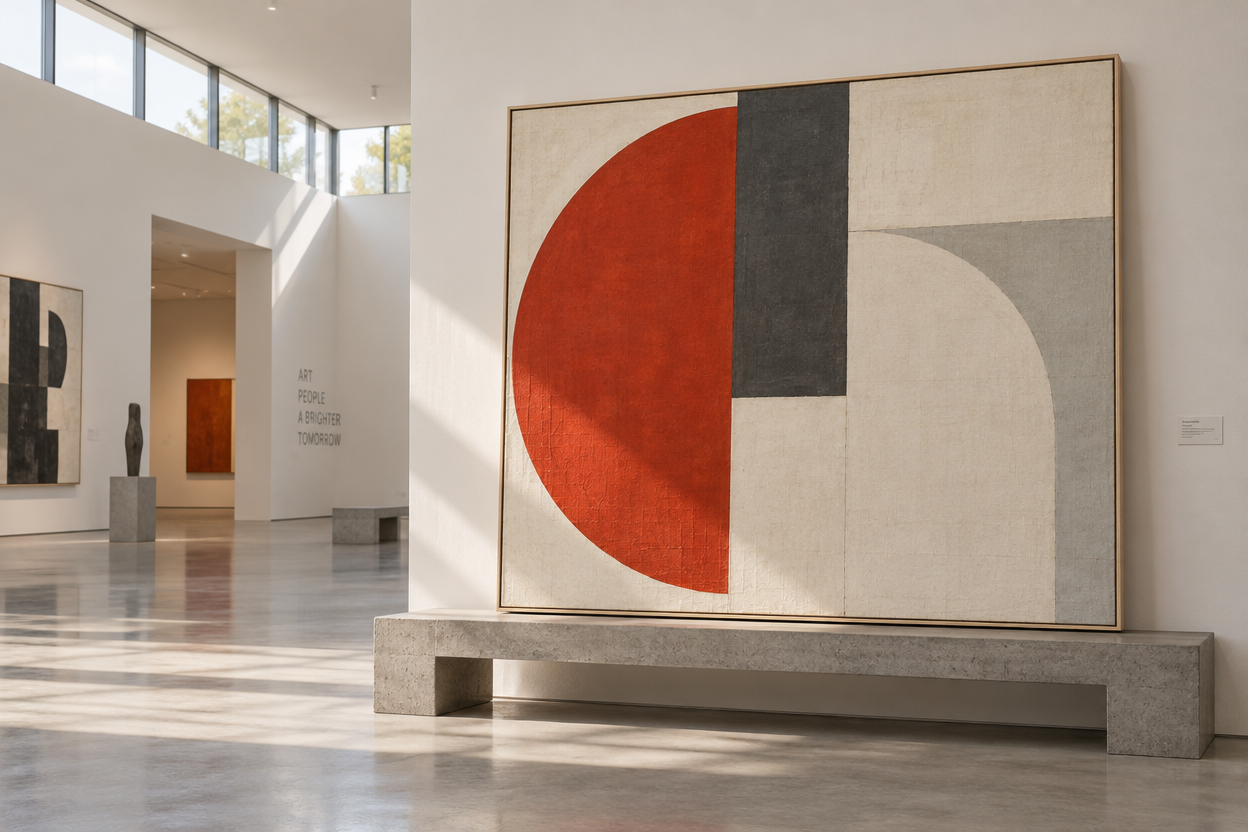 Minimalist event poster Swiss graphic design poster with bold abstract geometric layout, subtle screen-print texture, high contrast vermilion red and cream composition.
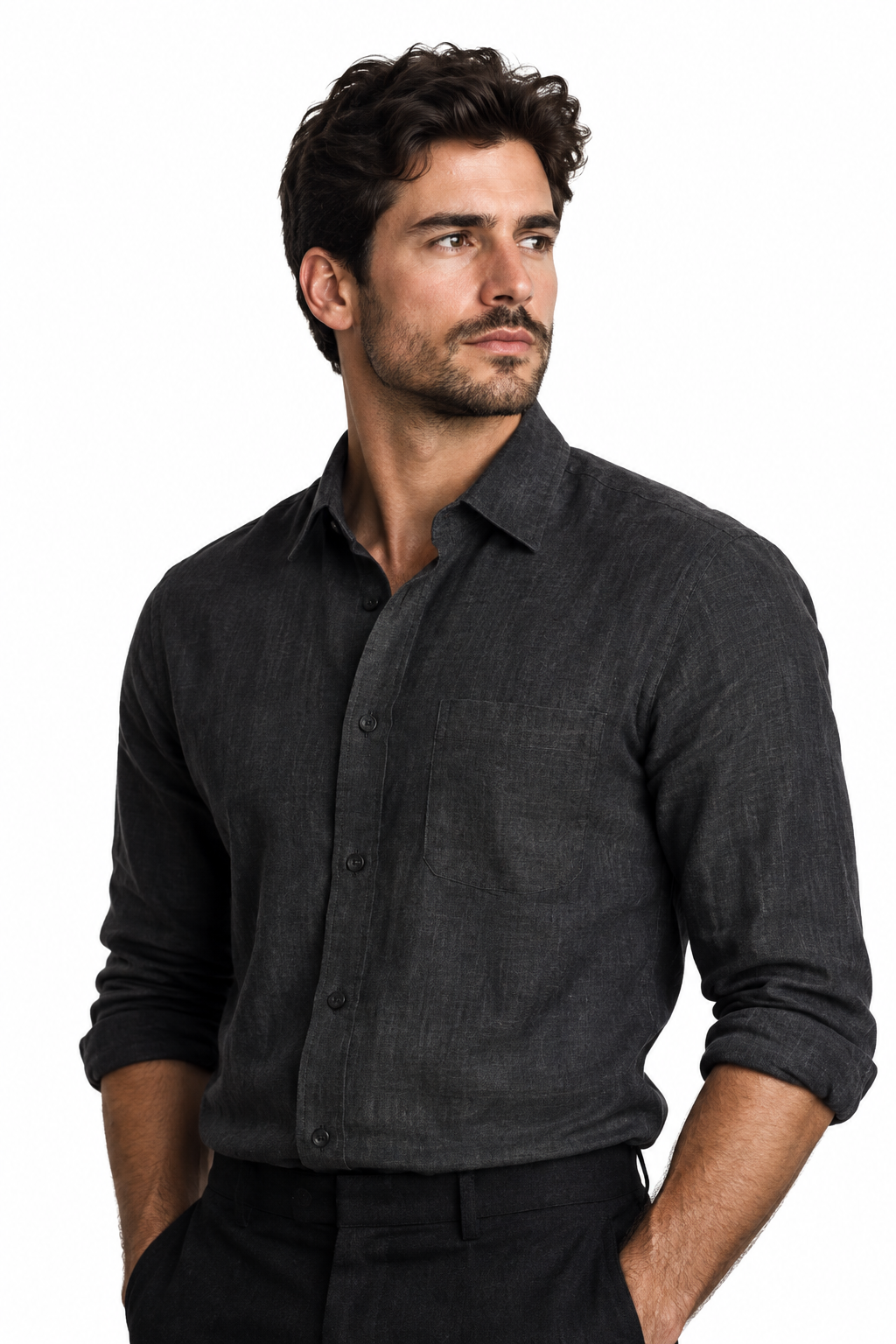 Editorial portrait Portrait of an architect wearing dark linen, standing in a concrete gallery, soft diffuse sidelight, 85mm lens, realistic skin details.
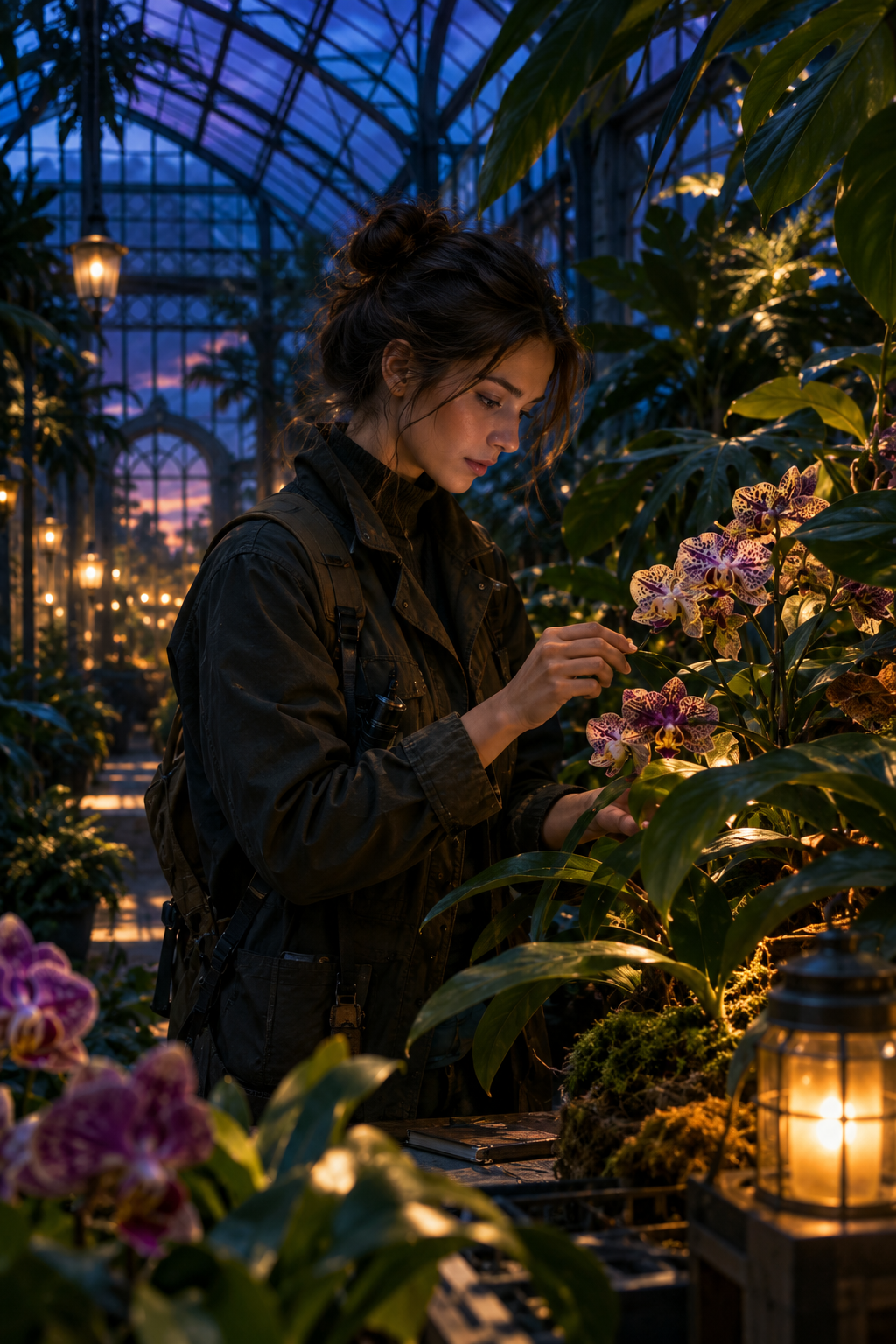 Cinematic narrative scene Botanist inspecting bioluminescent orchids inside a glass geodesic greenhouse, moody dusk atmosphere, subtle anamorphic blue rim lighting.
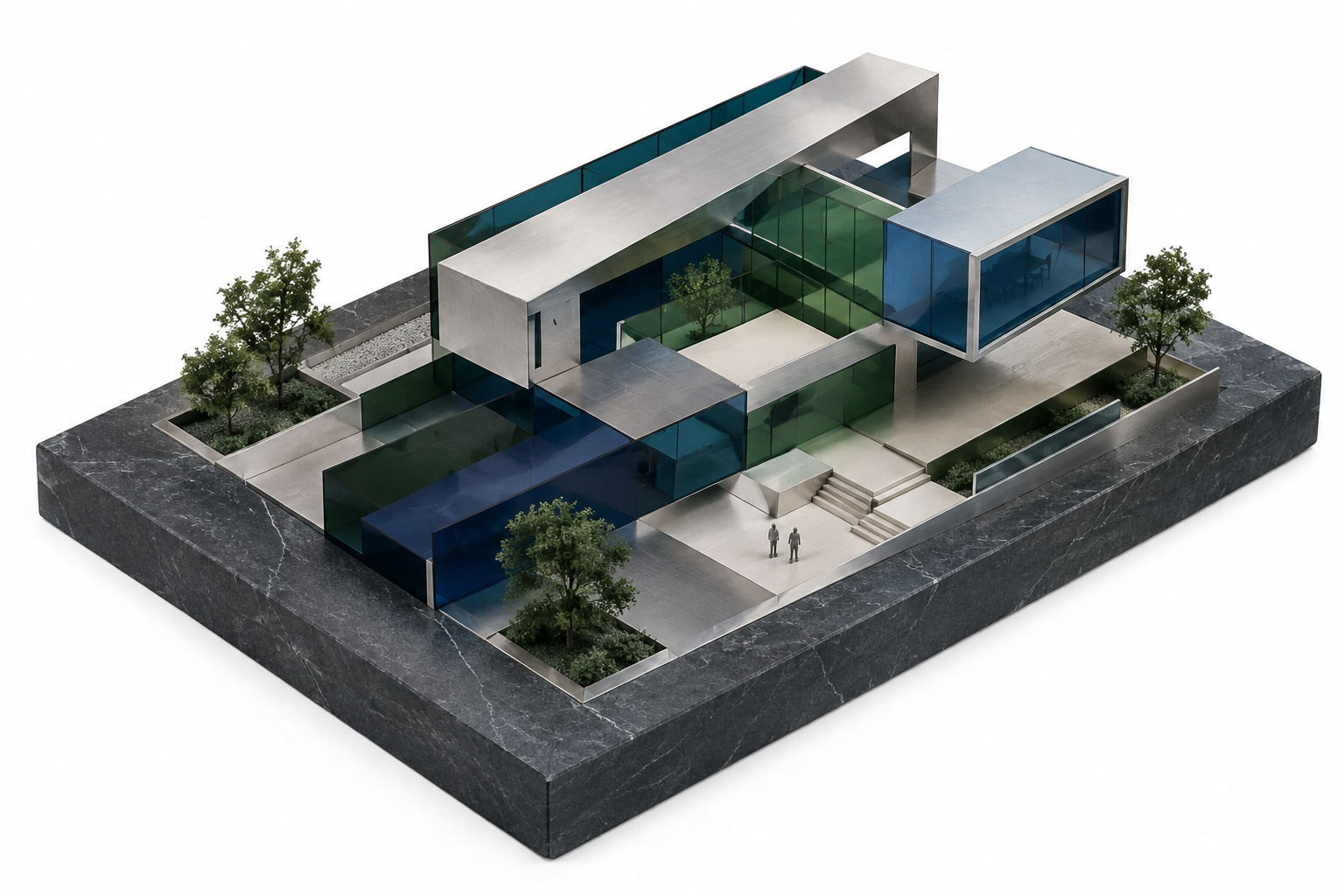 Vector branding illustration Isometric tech workspace illustration, flat modern vector style, clean outline aesthetic, muted pastel palette on dark navy background.
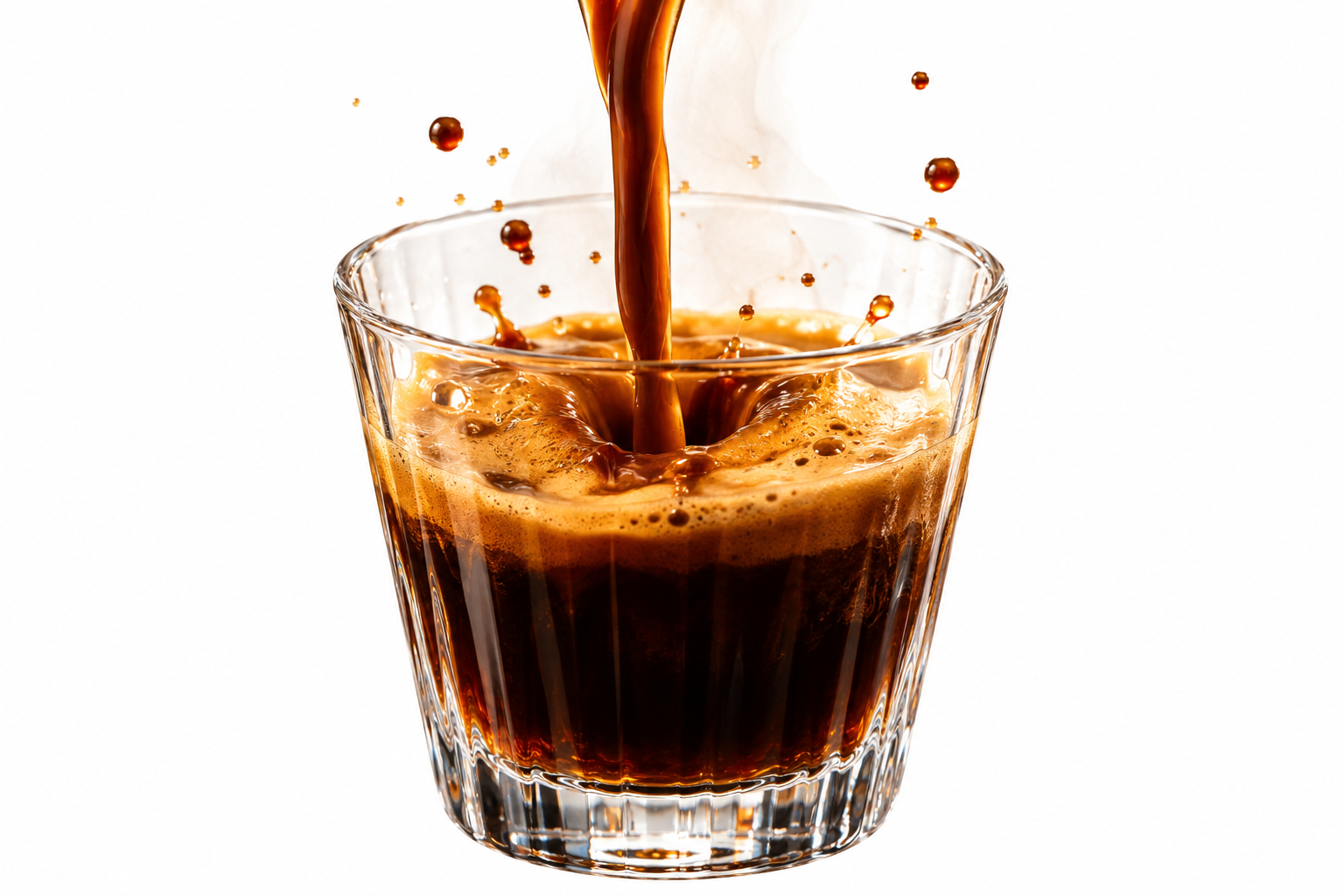 Dynamic motion frame High-speed shutter shot of espresso splashing into a glass cup, golden crema ripples, warm backlighting, prepared for motion generation.
Hivo AI Image Maker Features
Text to commercial visuals
Describe your product, background lighting, and composition in plain English. Hivo creates finished high-resolution renders ready for client pitch decks and ad campaigns.
Readable text in generated graphics
Produce packaging mockups, book covers, and social banners with legible copy. The generator renders clean typography right inside the image layout.
Integrated AI Video Maker workflow
Turn your generated stills into dynamic video clips. The built-in AI Video Maker animates characters, camera pans, and ambient lighting directly from your source frame.
Multiple variations per prompt
Generate four visual compositions in a single run. Compare color palettes, lighting setups, and camera angles side by side before picking your final asset.
Precise aspect ratio framing
Choose 1:1 for online stores, 9:16 for vertical reels, or 16:9 for website hero banners. Hivo composes the scene natively for your chosen dimensions without awkward cropping.
Unified Hivo dashboard storage
Every generation remains linked to its prompt and settings in your secure Hivo dashboard. Download full-resolution files anytime or reuse them as image-to-image guides.
What You Can Build with Hivo AI Tools
Generate brand assets, turn concept art into motion with the AI Video Maker, and keep your production files organized in one private workspace.
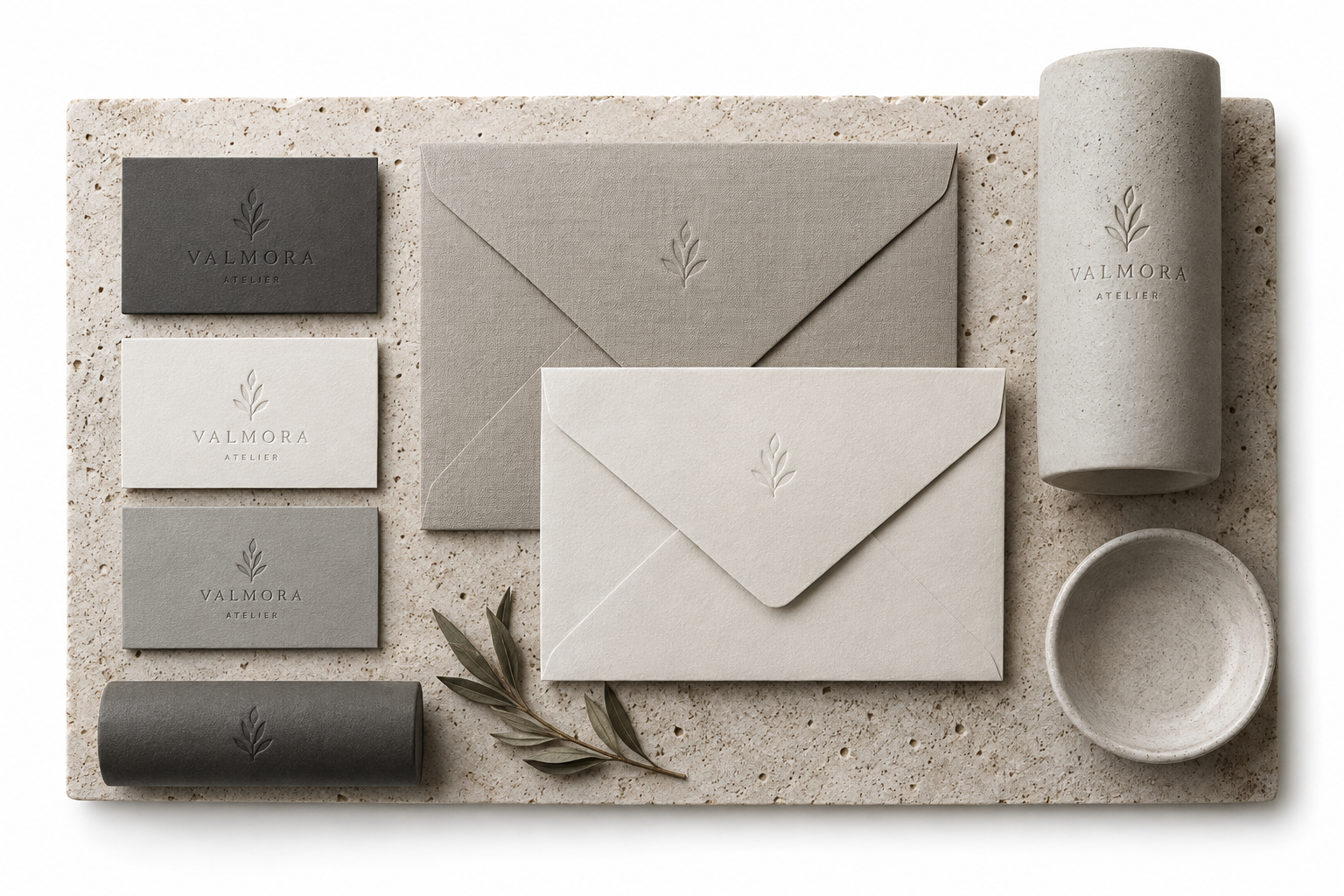
Consistent visuals for multi-channel marketing
Maintain exact color palettes, character appearances, and product geometries across your entire catalog. Reference image matching keeps multi-asset campaigns visually aligned.
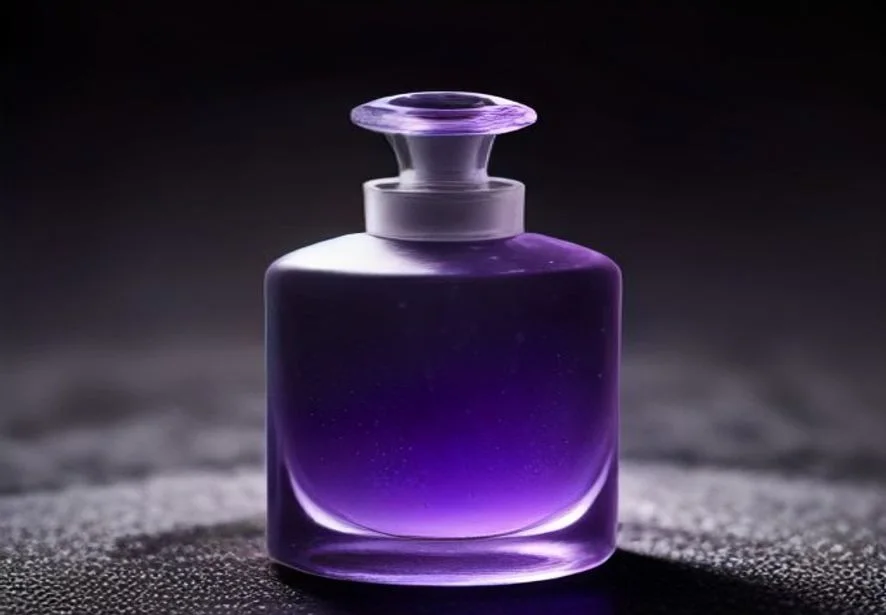
Rapid transformation with AI Image Maker
Start with a text prompt or upload existing photography. Adjust lighting, swap backgrounds, and refine details while preserving core product shapes.
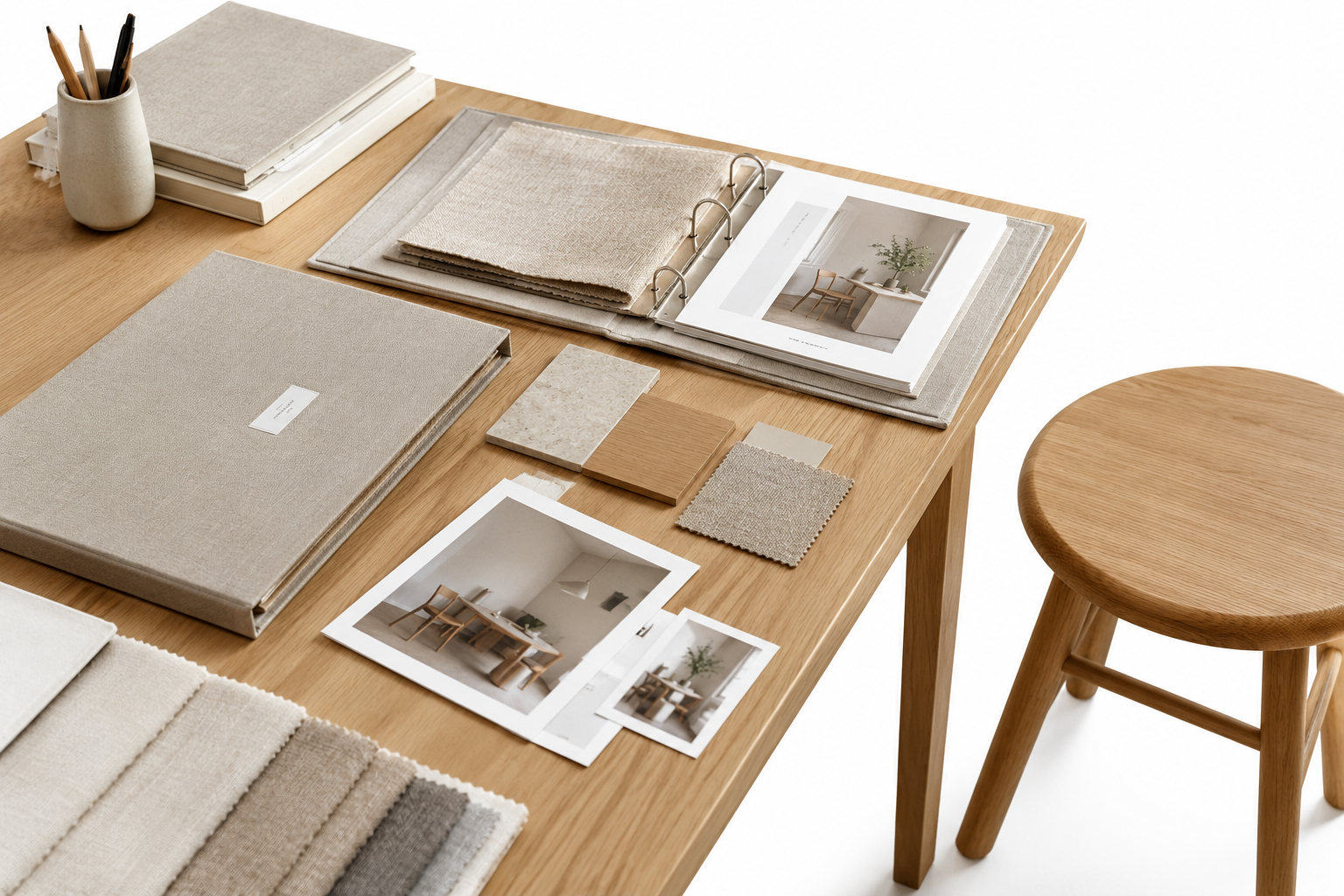
Organized library across all Hivo products
Find every generated asset alongside its original prompt in your Hivo dashboard. Export uncompressed visuals instantly for client handoffs and team reviews.
Flexible Plans for Hivo Products
Subscriptions renew automatically and can be canceled anytime from your account settings. One-time credit packs never expire.
Basic
省 16%
$9.90 $8.33
/ 月
按年计费 $99.90,随时取消。
- 每年 12,000 积分,一次发放(相当于每月 1,000)
- 全部图片、视频、音乐模型
- 生成失败自动退积分
Standard
省 20%
$20.85 $16.66
/ 月
按年计费 $199.90,随时取消。
- 每年 26,400 积分,一次发放(相当于每月 2,200)
- 全部图片、视频、音乐模型
- 生成失败自动退积分
热门
Pro
省 25%
$55.60 $41.66
/ 月
按年计费 $499.90,随时取消。
- 每年 70,200 积分,一次发放(相当于每月 5,850)
- 全部图片、视频、音乐模型
- 生成失败自动退积分
Max
省 30%
$118.93 $83.33
/ 月
按年计费 $999.90,随时取消。
- 每年 150,000 积分,一次发放(相当于每月 12,500)
- 全部图片、视频、音乐模型
- 生成失败自动退积分
Hivo AI Image Maker FAQ
Answers about generating visuals, working with the AI Video Maker, credit balances, and managing your account.
-
1
How does the AI Image Maker create visuals?
The AI Image Maker turns descriptive text or image references into sharp, high-resolution visuals. You specify lighting, composition, and aspect ratio in the prompt box, and the system renders finished files within seconds. You receive ready-to-use digital assets for social channels, marketing collateral, and mockups without drafting layers manually.
-
2
What does Hivo mean?
Hivo stands for high-velocity visual output, designed to help creators, marketers, and independent teams produce production-grade creative assets without delay. The platform pairs intuitive generation tools with streamlined prompt control, giving teams a single creative engine for high-resolution graphics, marketing collateral, and concept art.
-
3
Can I use generated images in an AI Video Maker?
Yes. Visuals exported from our generator feature consistent lighting, clear subject boundaries, and standard 16:9 or 9:16 aspect ratios. You can upload rendered stills straight into an AI Video Maker to create seamless camera pans, looping background visuals, and short-form social ads with consistent quality throughout.
-
4
How do credits work across the platform?
Each generation deducts credits depending on the output resolution and processing mode you select. You can monitor your remaining balance inside your Hivo dashboard before starting any batch. New accounts start with 10 free credits upon sign-up, and one-time top-up credits stay in your account balance permanently until used.
-
5
Can the generator render text inside promotional posters?
Yes. Place your required headline or brand copy inside quotation marks within the prompt. The engine places the letters directly on labels, signs, book jackets, and promotional posters with accurate perspective and sharp typographic edges, minimizing the need for secondary desktop layout tools.
-
6
Do I need to install a Hivo App to start?
No local installation is required. Complete your HIVO login through any standard desktop or mobile browser to open the creation dashboard instantly. All processing happens on cloud infrastructure, so you can produce print-resolution files and commercial assets on lightweight laptops or phones without running dedicated local hardware.
Create Visuals with Hivo
Produce ready-to-publish graphic assets in seconds. Generate high-resolution stills or export source images directly for your AI Video Maker pipeline.