
 Editorial portrait Studio portrait of a founder in charcoal blazer against muted olive backdrop, soft directional daylight, natural skin texture, 85mm lens.
Hivo AI Image Maker
Generate on-brand marketing graphics and commercial product photos in seconds with Hivo. Once approved, push your visual directly to our built-in AI Video Maker to create motion ads.
Examples
What You Can Build with an AI Image Maker
An AI Image Maker turns detailed text prompts into crisp packaging mockups, campaign visuals, and brand assets in seconds. Hivo pairs image synthesis with AI Video Maker workflows so teams can produce both still photos and animated teasers without external tools.
Prompt to visual
“Use Hivo AI to render clean studio backdrops and realistic product mockups without booking commercial photographers or physical sets.”
Commercial Product Photography
How to Build Assets with Hivo AI Image Maker
Generate production-ready visuals in three steps. Check your output settings and credit balance directly in the Hivo dashboard before running.
-
01
Describe the scene
Type your subject, lighting, and composition into the Hivo prompt box, or attach a reference photo.
-
02
Select image format
Pick portrait orientation for social campaigns, landscape for web banners, or square for product catalog cards.
-
03
Export and animate
Download full-resolution stills immediately, or pass your generated asset directly into the AI Video Maker to create motion clips.
Hivo AI Image Maker Showcase
Review visual assets generated from precise prompts. Copy any prompt directly or upload a source image as a style reference.
Editorial portrait Studio portrait of a founder in charcoal blazer against muted olive backdrop, soft directional daylight, natural skin texture, 85mm lens.
 Typography event poster Swiss graphic design poster with bold typography reading 'FUTURE DESIGN', bright orange and off-white palette, grid layout, halftone print texture.
E-commerce product shot Frosted glass dropper bottle on wet travertine stone, morning sunlight with water caustics, clean cosmetics product photography.
Typography event poster Swiss graphic design poster with bold typography reading 'FUTURE DESIGN', bright orange and off-white palette, grid layout, halftone print texture.
E-commerce product shot Frosted glass dropper bottle on wet travertine stone, morning sunlight with water caustics, clean cosmetics product photography.
 Architectural interior Modern Scandinavian living room with floor-to-ceiling glass, concrete walls, beige linen sofa, cast afternoon shadows, architectural digest style.
 Editorial vector illustration Isometric flat vector illustration of a creative agency workspace, warm earth tones, clean geometric lines, minimal corporate modern style.
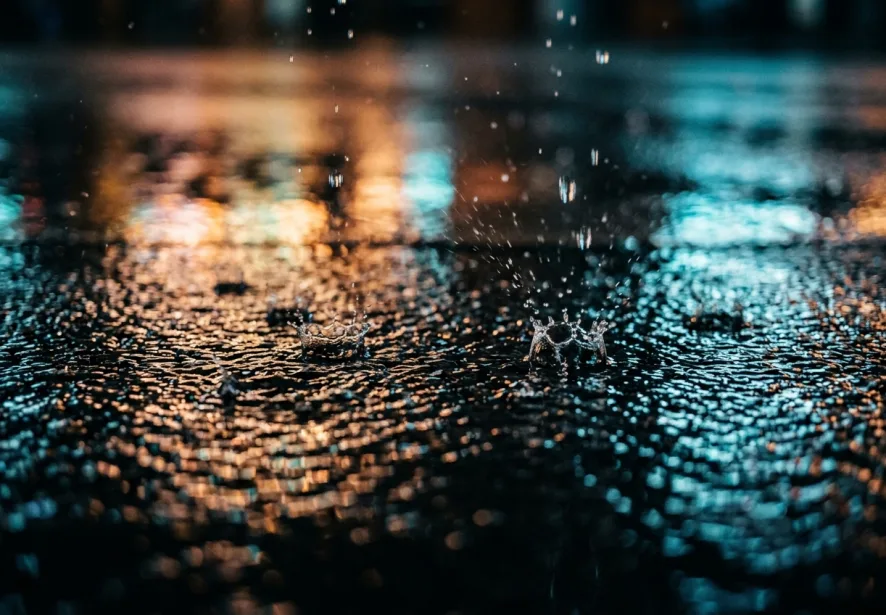 Cinematic motion frame Low-angle shot of a classic sports car driving on a coastal highway at dusk, motion blur background, cinematic 35mm film grain.
Hivo AI Image Maker Features
Direct text-to-image generation
Type your visual brief into Hivo to produce clear product photos, marketing banners, and editorial portraits without complex prompts.
Legible typography for posters and labels
Add exact packaging copy, headlines, and badge text directly onto generated visuals. Every letter renders crisp and aligned.
Multi-model creative control
Switch between rendering engines in your Hivo dashboard. Test photorealistic product mockups and stylized illustrations side by side.
Batch variations in one run
Generate four variations per prompt instantly. Select the strongest layout and export it without restarting your workflow.
Preset aspect ratios for marketing channels
Choose 1:1 for product listings, 9:16 for social stories, or 16:9 for banners. The AI Image Maker composes the frame to fit.
Organized workspace and generation history
Every asset saves automatically to your private Hivo dashboard with prompt data, seed settings, and original reference files.
Streamline Production with the Hivo AI Image Maker
Produce marketing graphics and convert stills into clips with the integrated AI Video Maker. Keep visual identity consistent across all Hivo products.
Visual consistency across marketing campaigns
Upload brand assets as image references. Hivo maintains character features, color palettes, and packaging geometry across runs.
From static stills to motion visuals
Send static renders to the AI Video Maker for instant camera panning, product reveals, and looping video ads.
A single asset library for your team
Store high-resolution files, prompts, and aspect ratio variations in your Hivo dashboard. Team members can download and reuse templates instantly.
Simple credit tiers for every team
Monthly plans renew automatically and can be canceled anytime. Prepaid credit packs remain valid indefinitely.
Basic
$9.90
/ month
Billed monthly. Cancel anytime.
- 1,000 credits every month
- Every image, video and music model
- Automatic refund on failed runs
Standard
$19.90
/ month
Billed monthly. Cancel anytime.
- 2,100 credits every month
- Every image, video and music model
- Automatic refund on failed runs
Popular
Pro
$49.90
/ month
Billed monthly. Cancel anytime.
- 5,250 credits every month
- Every image, video and music model
- Automatic refund on failed runs
Max
$99.90
/ month
Billed monthly. Cancel anytime.
- 10,500 credits every month
- Every image, video and music model
- Automatic refund on failed runs
Basic
Save 16%
$9.90 $8.33
/ month
$99.90 billed yearly. Cancel anytime.
- 12,000 credits per year, granted up front (1,000 per month)
- Every image, video and music model
- Automatic refund on failed runs
Standard
Save 20%
$20.85 $16.66
/ month
$199.90 billed yearly. Cancel anytime.
- 26,400 credits per year, granted up front (2,200 per month)
- Every image, video and music model
- Automatic refund on failed runs
Popular
Pro
Save 25%
$55.60 $41.66
/ month
$499.90 billed yearly. Cancel anytime.
- 70,200 credits per year, granted up front (5,850 per month)
- Every image, video and music model
- Automatic refund on failed runs
Max
Save 30%
$118.93 $83.33
/ month
$999.90 billed yearly. Cancel anytime.
- 150,000 credits per year, granted up front (12,500 per month)
- Every image, video and music model
- Automatic refund on failed runs
800 credits
$9.90
- 800 credits, one-time purchase
- Credits never expire
- Every image, video and music model
4,500 credits
$49.90
- 4,500 credits, one-time purchase
- Credits never expire
- Every image, video and music model
9,000 credits
$99.90
- 9,000 credits, one-time purchase
- Credits never expire
- Every image, video and music model
Hivo AI Image & Video Maker FAQ
Practical answers about image generation, video clips, commercial licensing, and credit management.
-
1
What does Hivo mean and how does it work?
The name Hivo stands for high-impact visual output. In practice, Hivo operates as an integrated creative suite with an AI Image Maker and video generation tools. You describe your desired visual in plain text or upload a reference file, and the engine calculates composition, lighting, and textures within seconds to render ready-to-publish assets.
-
2
Is there a free tier on the Hivo dashboard?
Yes. Every new account receives 10 free credits immediately upon registration with no credit card required. You can test prompt variations, upscale renders, and explore the Hivo dashboard without commitment. If your team requires higher render volume or batch exporting, flexible monthly subscriptions and permanent credit packs are available at any time.
-
3
How does the AI Image Maker handle commercial product shots?
The AI Image Maker builds photorealistic product imagery around your reference inputs. Upload a clean product shot, specify the surrounding scene, lighting direction, and surface textures, and Hivo renders clean studio backgrounds around your packaging. The output delivers sharp edges, accurate reflections, and natural contact shadows ready for e-commerce listings and social ad campaigns.
-
4
Can I animate still graphics using the AI Video Maker?
Yes. You can upload any static render from our image creator directly into the AI Video Maker. Select motion parameters such as camera pans, zoom speed, or atmospheric effects to turn flat photos into five-second video loops. Marketers use this workflow to produce short-form video ads and social banners without manual keyframing.
-
5
Can Hivo render legible typography directly inside posters?
Yes. To generate readable text on posters, packaging, or signage, enclose the exact copy inside quotation marks within your text prompt. Hivo places the specified letters in appropriate typographic hierarchy, matching the perspective, lighting, and surface texture of your scene. You can easily produce event flyers, book covers, and sale announcements.
-
6
Do I need local software or an external API key to run HIVO AI?
No local installation or separate API key is needed. All model operations run on cloud infrastructure inside the browser interface. Simply complete your HIVO login from any desktop or mobile browser, enter your prompt in the dashboard, and download your final image or video file directly to your local storage in standard formats.
Create Visuals with Hivo
Test the AI Image Maker and AI Video Maker directly in your browser. Launch the Hivo dashboard and render your first campaign assets today.